


This post may contain affiliate links. If you purchase through these links, we may earn a small commission at no additional cost to you. As an Amazon Associate we earn from qualifying purchases.
This post may contain affiliate links. If you purchase through these links, we may earn a small commission at no additional cost to you. We only recommend products that genuinely support a calmer, more intentional everyday life.
Because your workspace shouldn’t feel like a chaos gremlin lives there.
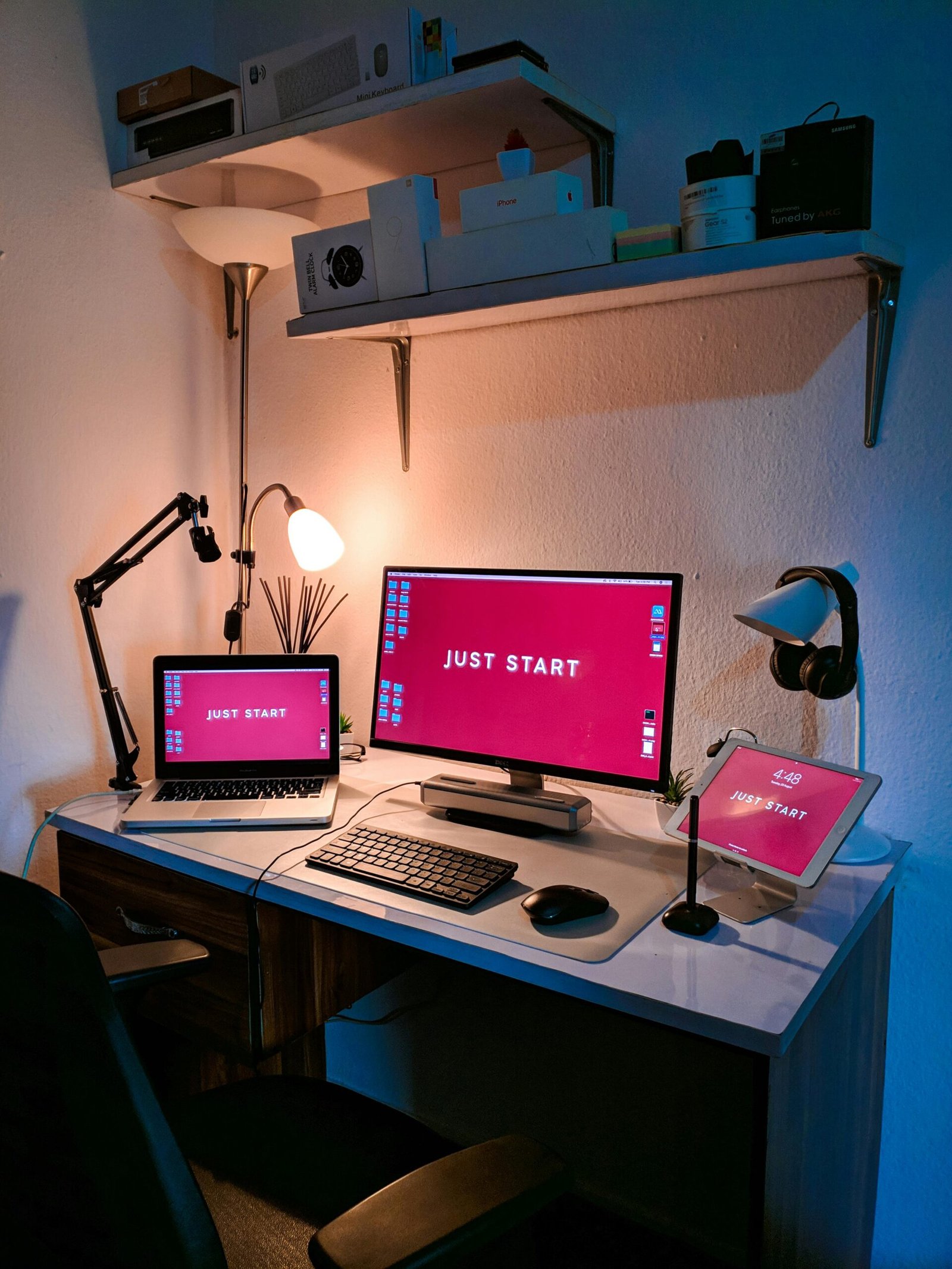
Desk setup essentials for focus aren’t about having a perfect Pinterest workspace — they’re about creating an environment that quietly supports your energy, attention, and daily productivity.
Quick Picks: Best Desk Setup Essentials
⭐ Best Ergonomic Chair → See Price on Amazon
⭐ Best Laptop Stand → See Price on Amazon
⭐ Best Desk Lamp → See Price on Amazon
⭐ Best Desk Organizer → See Price on Amazon
⭐ Best Noise-Cancelling Headphones → See Price on Amazon
There’s a special kind of exhaustion that comes from sitting at your desk all day… and somehow getting very little done. You start with good intentions. A to-do list. A fresh drink. Maybe even a little “this is my productive era” energy.
Then suddenly you’re adjusting your chair for the 17th time, losing your pen under a pile of random papers, checking your phone “just for a second,” and wondering why your brain feels like scrambled eggs by 2 p.m.
The good news? You don’t need a Pinterest-perfect office or expensive tech upgrades. You just need a few intentional upgrades that help your brain settle, your body relax, and your workflow actually flow.
Let’s build a desk setup that works with you—not against you.
A supportive desk setup helps by:
- Reducing physical discomfort that drains energy
- Minimizing visual distractions
- Creating subtle cues that signal “it's time to focus”
- Supporting sustained attention and productivity
In short: your desk is not just furniture — It’s an energy system.
And once you start viewing it that way, upgrading it stops feeling like an aesthetic choice — and starts feeling like a self-support decision. This is why many productivity experts consider your home office desk setup one of the most overlooked factors in daily energy management.
Desk Setup Essentials for Focus
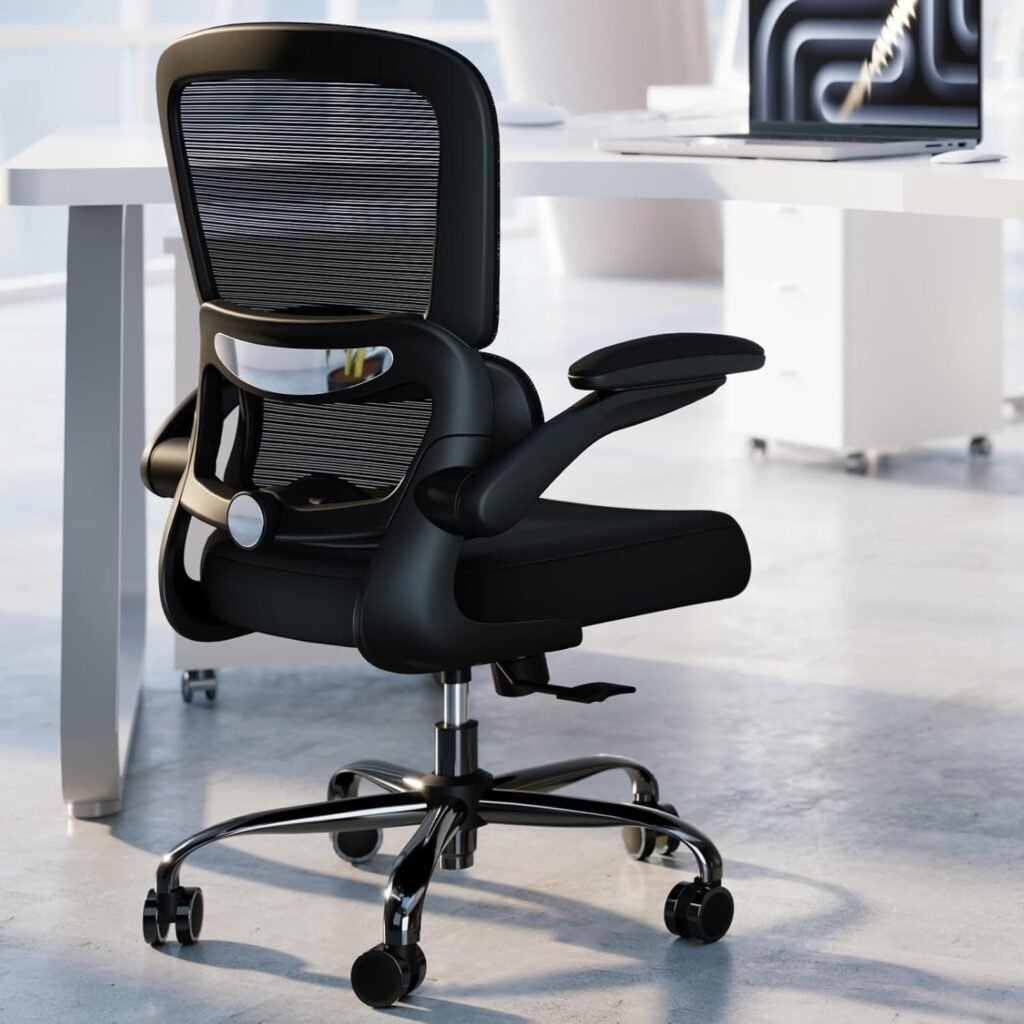
Ergonomic Chair with Lumbar Support
- Top Reviewed for comfort
- Thick memory form cushion with scratch resistant leather
- Flip up arm rests
Ergonomic Desk Essentials for Focus (Start With Your Body)
If your chair is uncomfortable, everything else becomes harder.
This is one of those items worth investing in, because you use it for hours every single day.
You don’t need a luxury executive chair, but you do need basic ergonomic support:
- Feet flat on the floor
- Knees at hip level or slightly lower
- Back supported, especially the lower spine
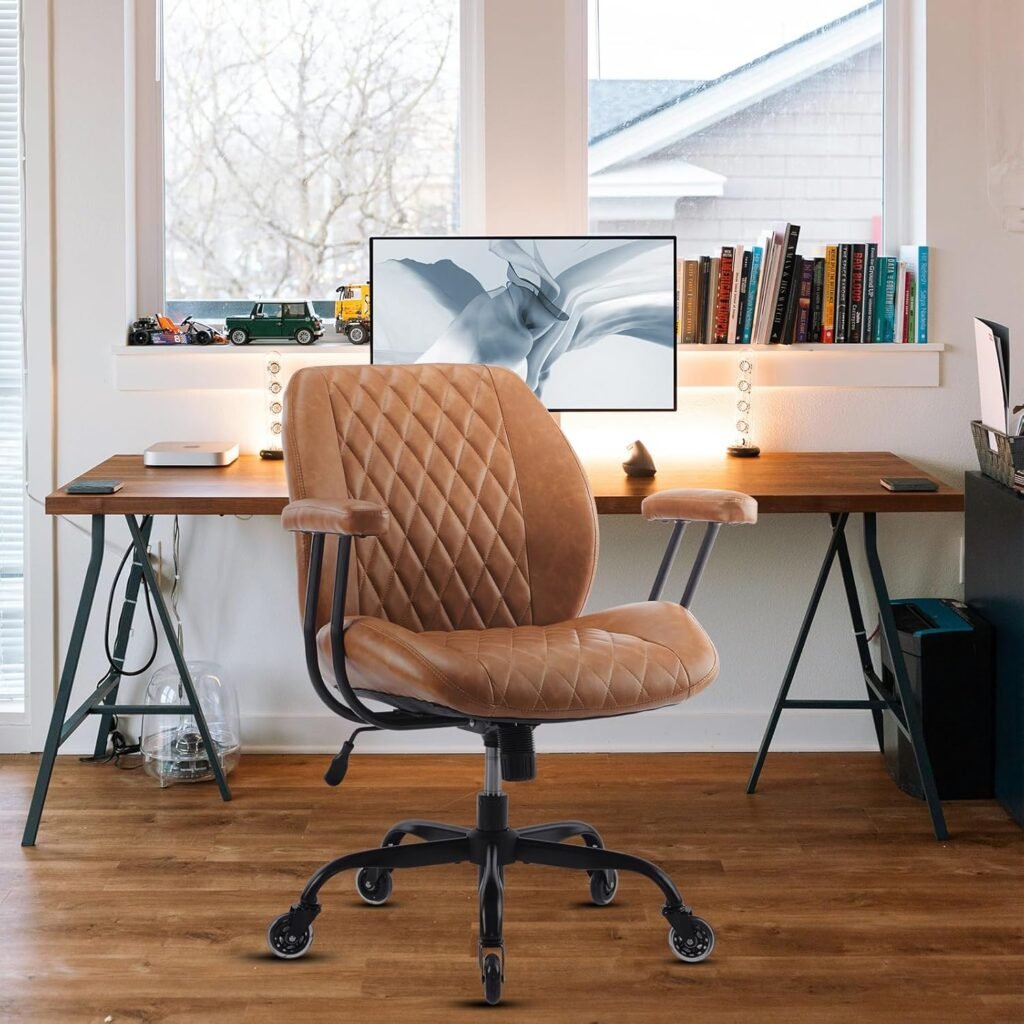
Mid Back Office Chair Designed for Long Workdays
- Top Reviewed for comfort
- 2 in 1 armrest design with detachable feature
- Spring cushion that provides soft and strong support
When choosing a chair, avoid:
- Chairs with no lumbar support
- Ultra-soft cushions that flatten quickly
- Fixed armrests that force awkward positioning
Look for:
- Adjustable seat height
- Breathable fabric or mesh backing
- Solid lower-back support
- A stable base that doesn’t wobble
There are plenty of simple options available online — the key is choosing something that feels easy to maintain in real life.
Your back will thank you. So will your focus.
Because it’s hard to concentrate when your body is constantly whisper-screaming, “Please adjust me.”
This is one of the core elements of a truly effective ergonomic desk setup.
Laptop Stands & Monitor Risers: Small Upgrade, Big Impact
If you’re craning your neck downward all day, your brain reads that posture as fatigue.
Even if you feel mentally fine, your body signals tiredness — and your concentration dips faster.
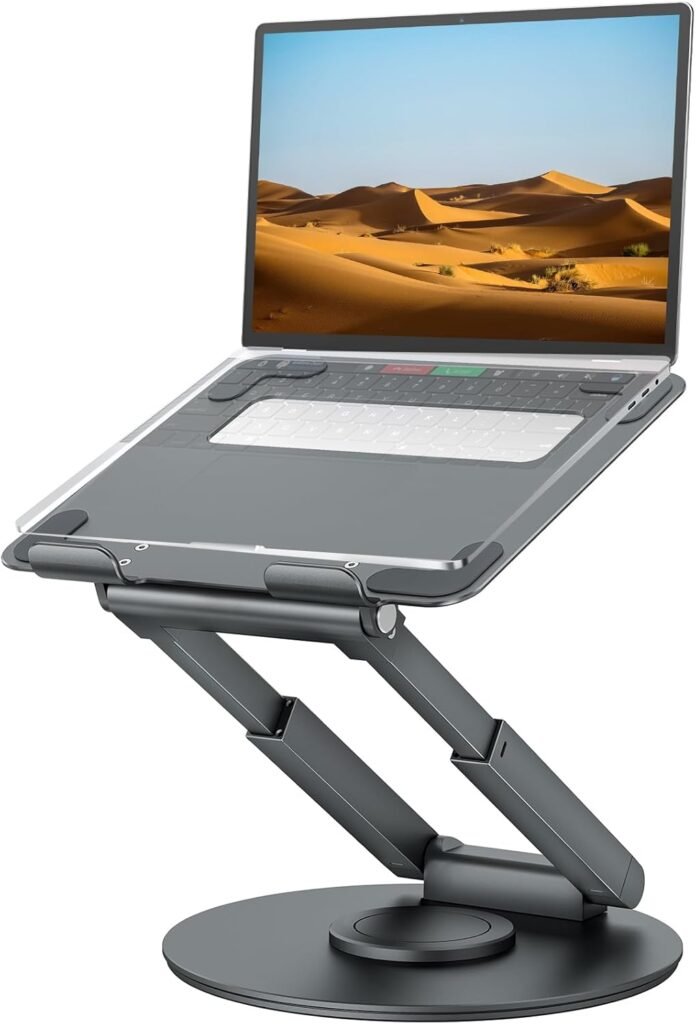
Adjustable Laptop Stand for Better Posture
- Raises laptop to eye level
- Reduces neck and shoulder strain
- Lightweight aluminum design
Ideally:
- The top of your screen should be at or slightly below eye level
- Your eyes should naturally look straight ahead, not down
A simple laptop stand or monitor riser is one of the most cost-effective upgrades you can make.
Monitor Riser That Creates Better Posture and Desk Space
Elevates your laptop screen to eye level, promoting better posture during use. It also creates extra space underneath for keyboards, notebooks, or other desk essentials, helping keep your workspace clean and organized.
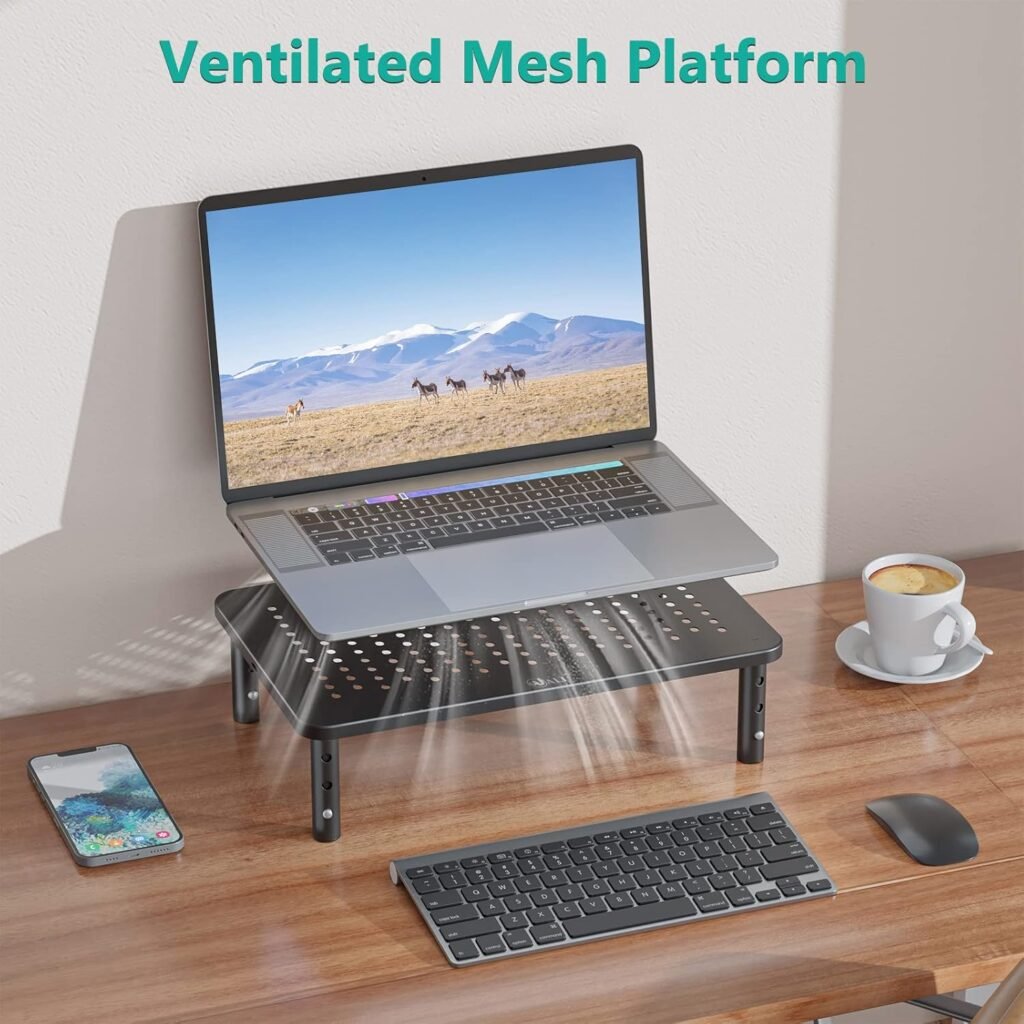
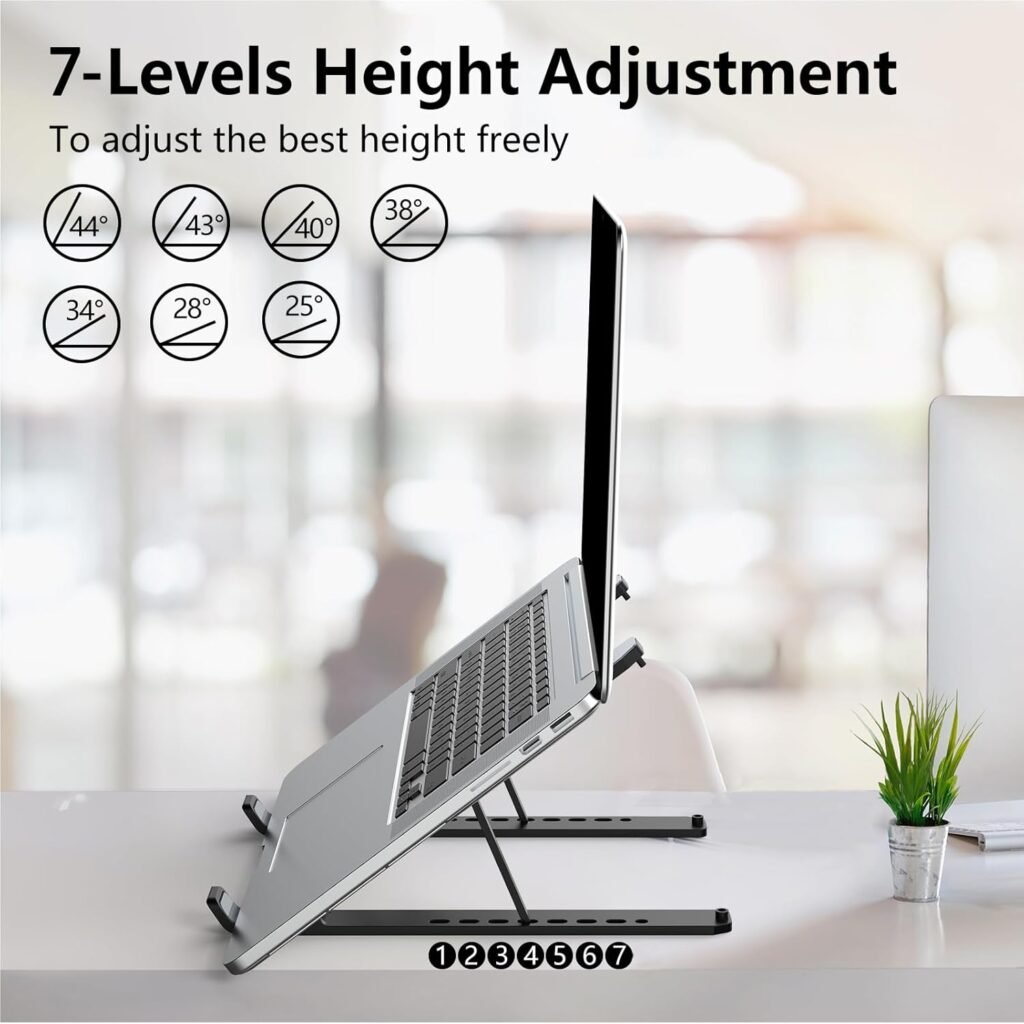
Laptop Stand That Raises Your Screen to Eye Level
- Pros: The design allows for air circulation, which helps prevent the laptop from overheating.
- Pros: Many reviews indicate sturdy support, width and height adjustable and has a great price
When choosing one, avoid:
- Lightweight plastic stands that wobble
- Fixed-height designs
- Non-ventilated surfaces that trap heat
Look for:
- Adjustable height settings
- Solid aluminum or reinforced materials
- Ventilation holes for airflow
Monitor Riser to Lift Your Screen and Reduce Neck Strain
Elevates your laptop screen to eye level, promoting better posture during use. It also creates extra space underneath for keyboards, notebooks, or other desk essentials, helping keep your workspace clean and organized.
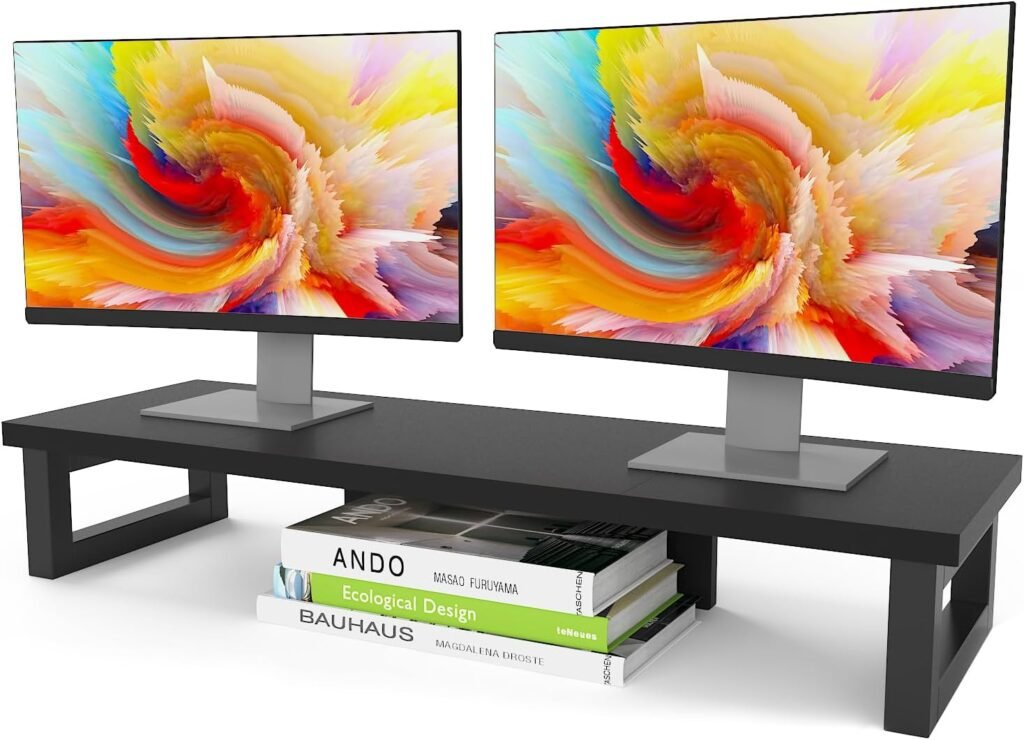
This is one of those small purchases that quietly improves focus every single day.
Desk Lighting That Supports Focus and Reduces Eye Strain
Bad lighting drains focus faster than most people realize.
Too dim? Your brain gets sleepy.
Too harsh? Your eyes strain, and your stress levels quietly rise.
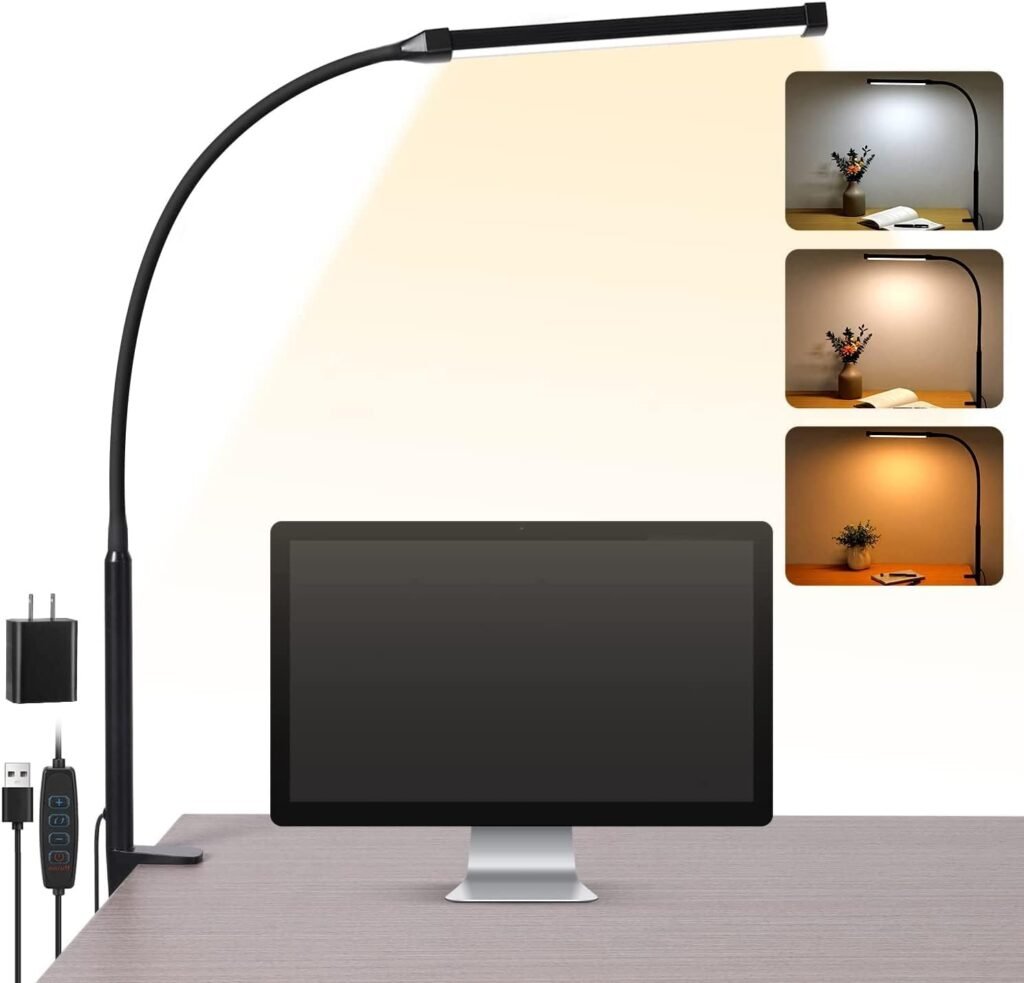
LED Desk Light to Help Reduce Eye Fatigue
- Pros: Space saving that frees up your desk surface area
- Pros: Light coverage often wide enough to illuminate the entire desk surface
- Cons: Needs sturdy flat edge to clamp onto
Why a Good Desk Lamp Is Worth Having
Lighting affects both productivity and mood, which is why it’s worth paying attention to.
A quality desk lamp is one of those upgrades people don’t think about until they experience the difference.
When choosing one, avoid:
- Harsh blue-white LEDs
- Fixed brightness levels
- Narrow light beams that create glare
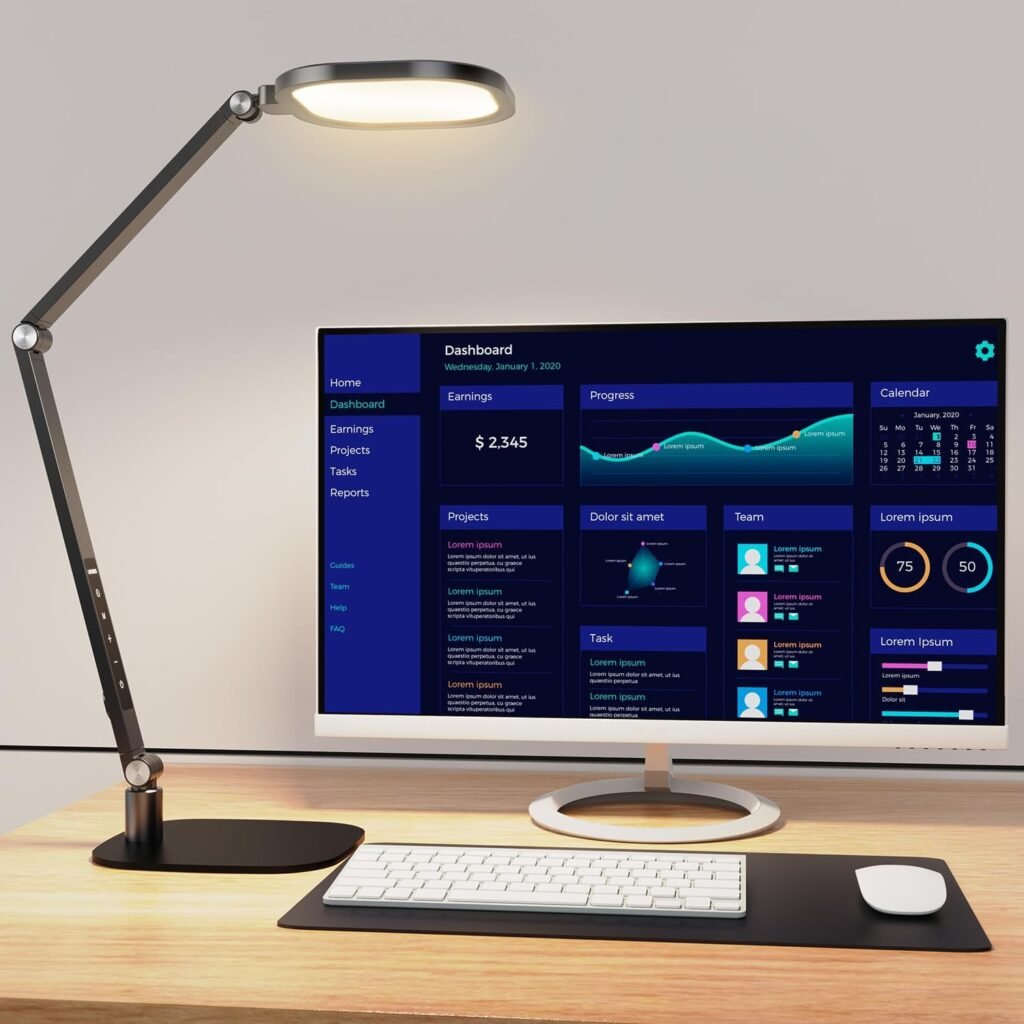
LED Desk Lamp
- Adjustable Swing Arm
- Customizable Lighting featuring 30 different light options
- Strong metal base that maintains position without falling over
- ⭐ POPULAR PICK
Look for:
- Adjustable brightness settings
- Warm or neutral light tones
- Flexible arms for positioning
- Eye-care or flicker-free technology
Many modern lamps now include brightness memory settings, which makes them especially helpful for consistent work-from-home comfort rituals.
It’s a small change that can significantly reduce mental fatigue and help you stay focused longer.
Desk Organization Essentials for a Clutter-Free Workspace
You don’t need an aesthetic, empty desk.
You just need a desk that doesn’t overwhelm your brain.
Visual clutter creates cognitive clutter — every object competes for your attention, even subconsciously.
Desk Organizers That Actually Improve Focus
Minimal Desk Organizer That Keeps Your Workspace Clutter-Free
- Multiple compartments for pens, notes, and small desk items
- Keeps your workspace organized without taking up much space
- Best Seller
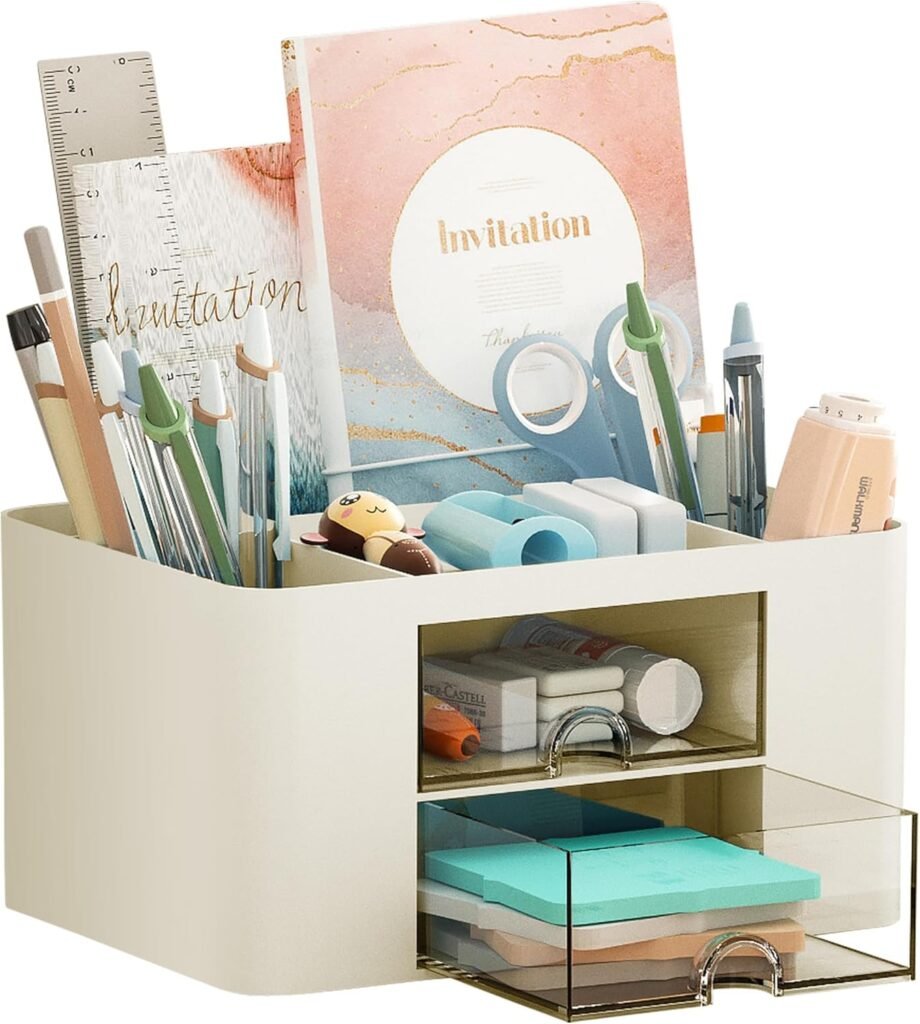
This is one of those inexpensive items that delivers an outsized productivity boost.
A simple organizer reduces decision fatigue by giving everything a clear home.
When choosing one, avoid:
- Tiny compartments that don't fit real-life items
- Bulky designs that crowd your workspace
- Too many sections that create visual noise
Look for:
- Clean, minimal layouts
- Durable materials like wood, metal, or sturdy acrylic
- Neutral colors that blend into your space
Minimal Desk Organizer Set for a Calm Workspace
- Stylish neutral design that blends into any desk setup
- Perfect for pens, clips, and small office items
- Helps reduce visual clutter and mental distractions
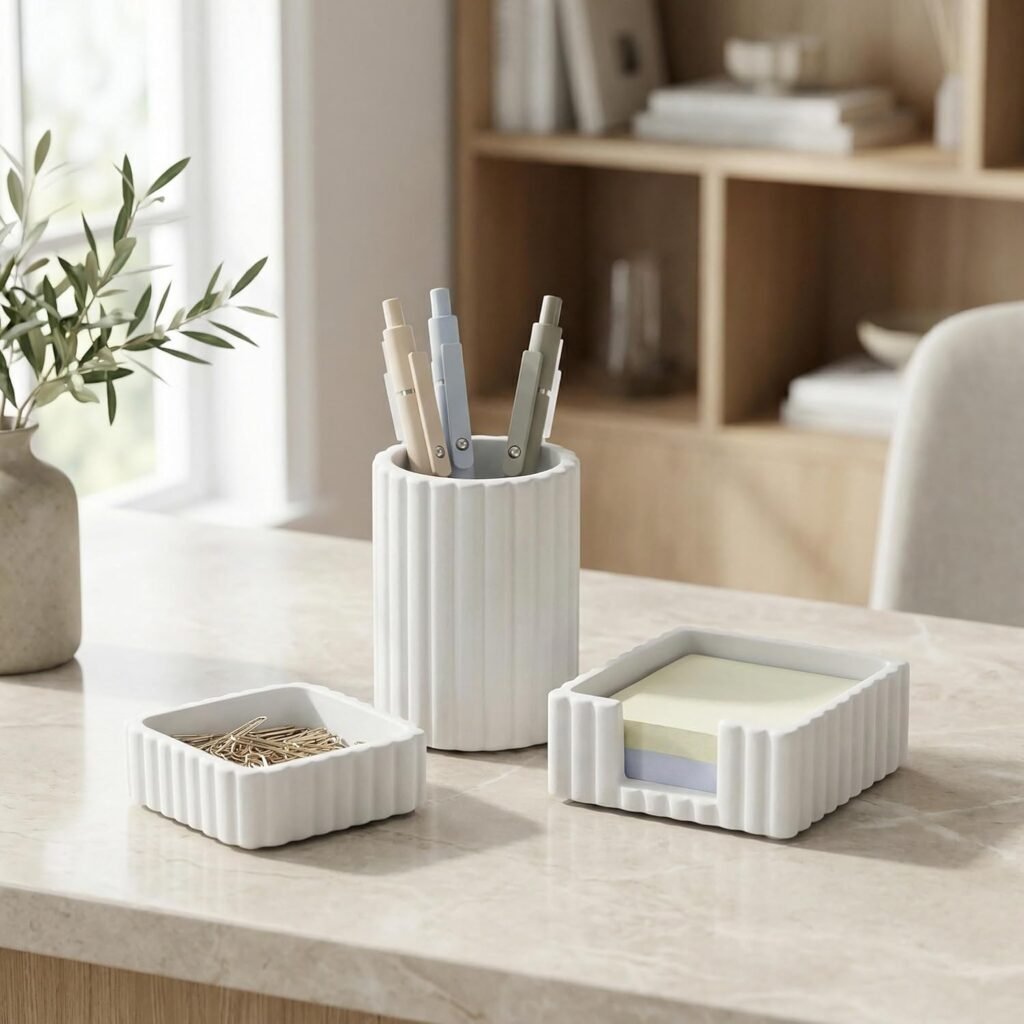
Think of it less as storage — and more as a way to protect your mental bandwidth.
These types of productivity desk accessories can dramatically reduce visual stress during work hours.
Focus Ritual Tools That Train Your Brain to Work
Your brain loves consistent signals.
When you pair a specific action with focused work, it becomes a behavioral trigger.
Over time, this reduces the mental resistance to starting tasks.
Simple Desk Ritual Tools Worth Considering
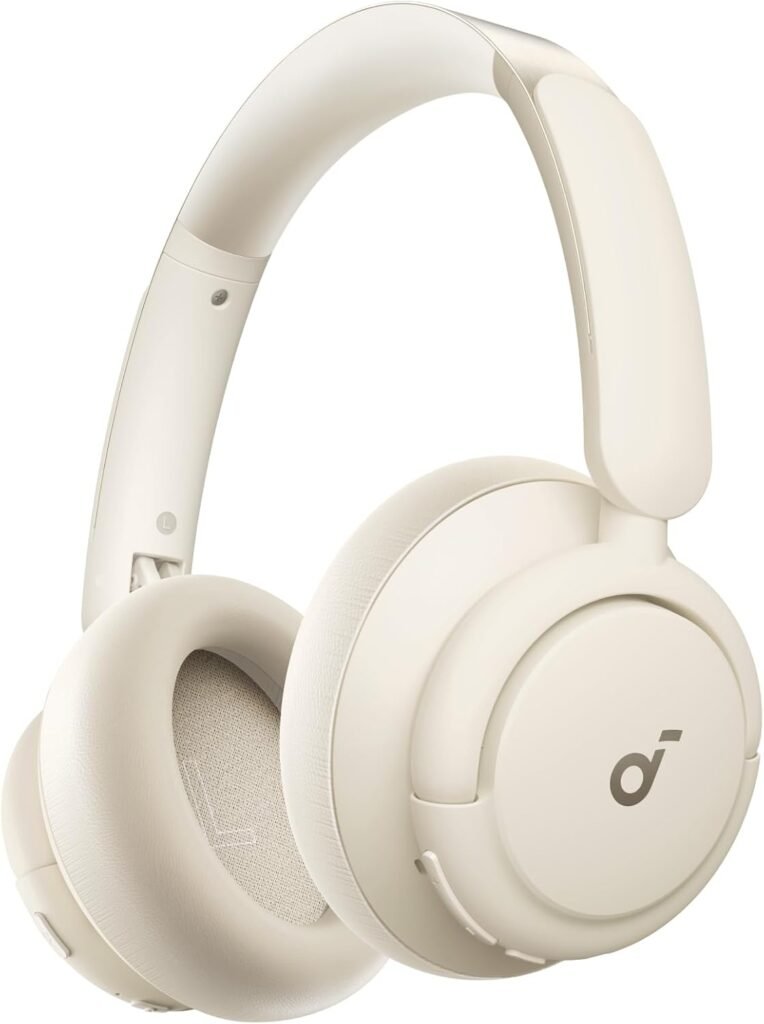
Noise-Cancelling Headphones
- Hybrid active noise cancellation blocks background distractions
- Soft over-ear design for comfortable all day use
- Up to 50 hours of battery life on a single charge
- A dedicated desk lamp
- Noise-canceling headphones
- A subtle essential-oil diffuser
- A consistent work playlist
Noise-canceling headphones, in particular, are one of those “why didn’t I buy this sooner?” purchases for many people.
When choosing, avoid:
- Heavy models that cause ear fatigue
- Weak noise isolation
- Short battery life
Look for:
- Comfortable cushioning
- Long wear comfort
- Reliable passive or active noise reduction
They create an instant focus bubble — especially helpful in busy households.
Movement-Friendly Desk Accessories for Energy and Focus
Sitting completely still for hours reduces alertness and increases fatigue.
Small movement and digital planning tools help maintain both physical comfort and mental clarity.
Helpful Movement Add-Ons
Adjustable Footrest That Supports Proper Sitting Posture
- Massage rollers help relieve tension during long work sessions
- Lightweight design makes it easy to reposition throughout the day
- Adjustable height positions feet comfortably under the desk
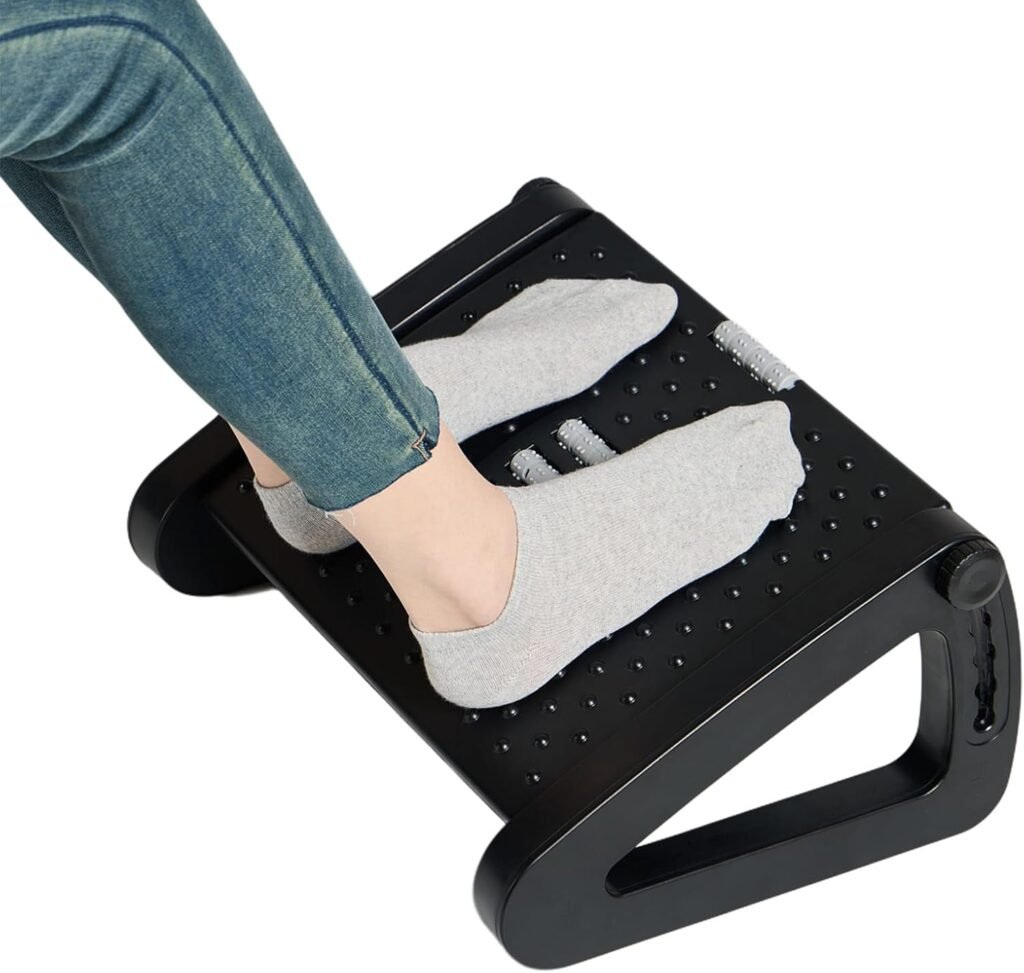

Ergonomic Rocking Footrest
- Helps improve circulation during long sitting sessions
- Rocking design encourages subtle movement while you work
- Non-slip surface keeps feet stable and supported
When choosing a footrest, avoid rigid flat designs. Look for angled or rocking options that encourage micro-movement. These subtle movements keep circulation flowing — which directly supports sustained attention.
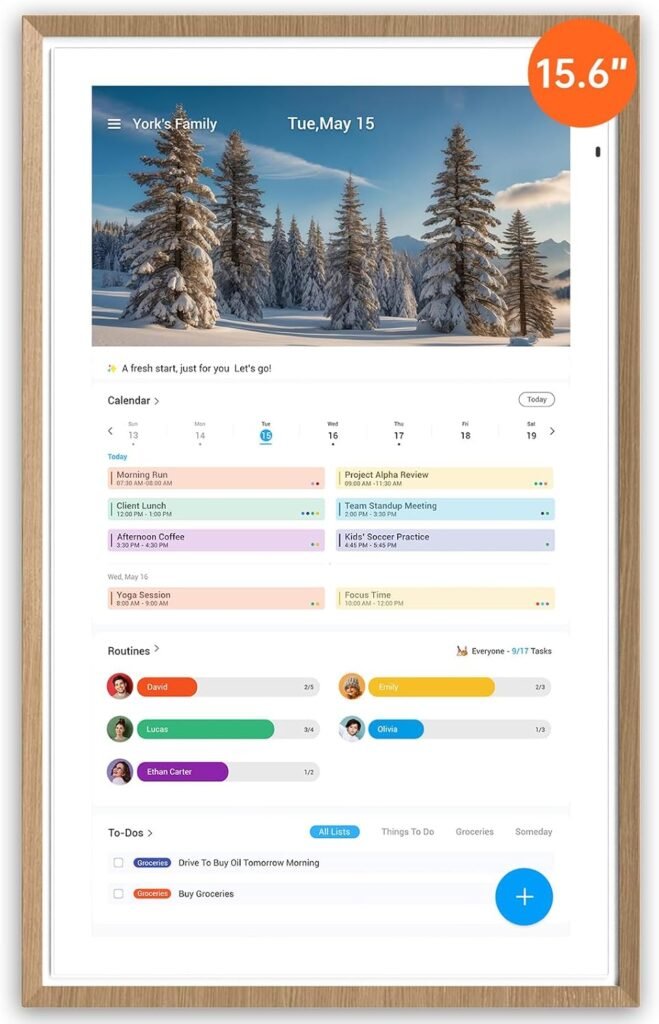
Digital Wall Calendar for Better Planning and Time Awareness
- Syncs multiple calendars to keep work and life organized
- Large interactive touchscreen makes schedules easy to see at a glance
- Helps reduce mental clutter by centralizing tasks and reminders
Focus-Friendly Desk Colors and Visual Design

Colors influence mood more than we consciously notice.
For focus-supportive environments, calming tones work best:
- Soft neutrals
- Muted greens
- Warm wood textures
Bright, high-contrast colors can feel energizing — but too many can also create visual overstimulation.
Minimal Desk Mat That Creates a Calm Workspace
- Protects your desk surface while creating a clean workspace
- Smooth surface improves mouse movement and writing comfort
- Soft neutral colors help reduce visual distractions
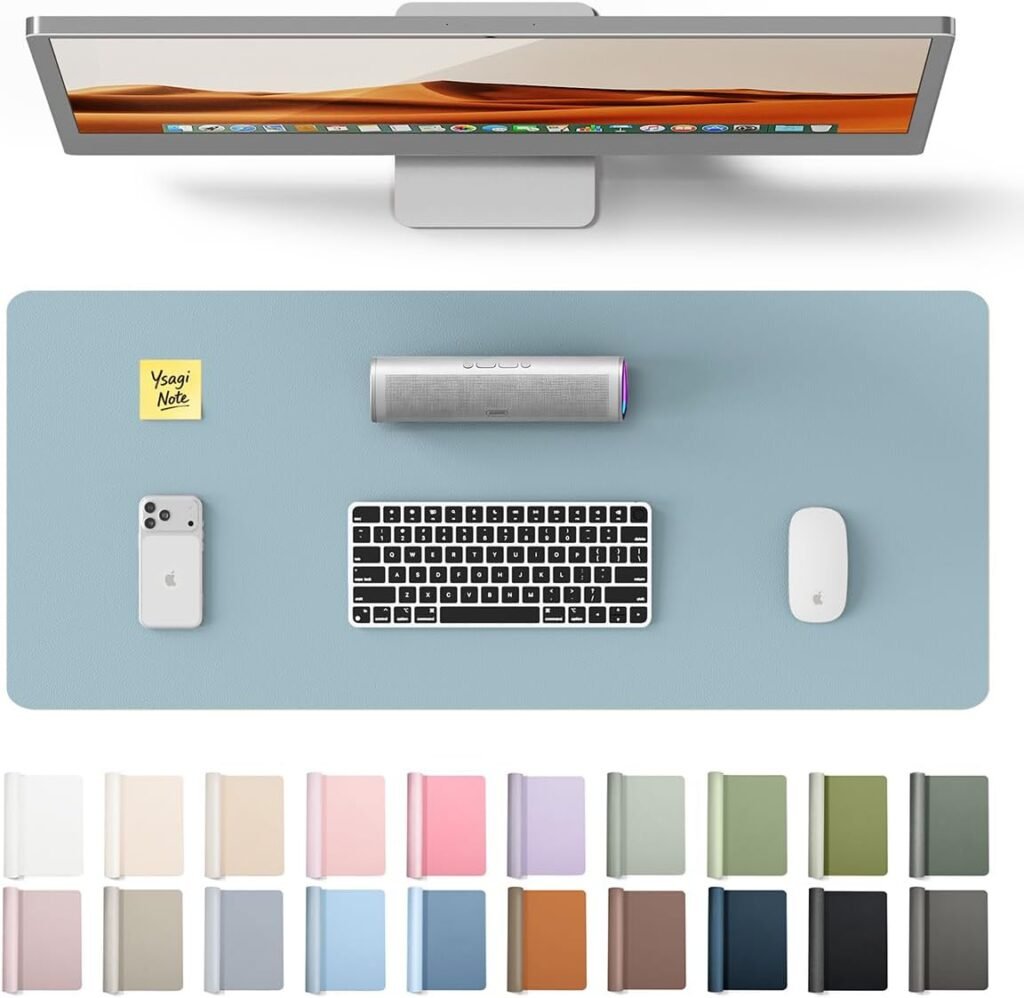
Desk mats are an easy way to introduce calming color without changing your entire setup.
Practical Takeaways: Your Quick Desk Reset Plan
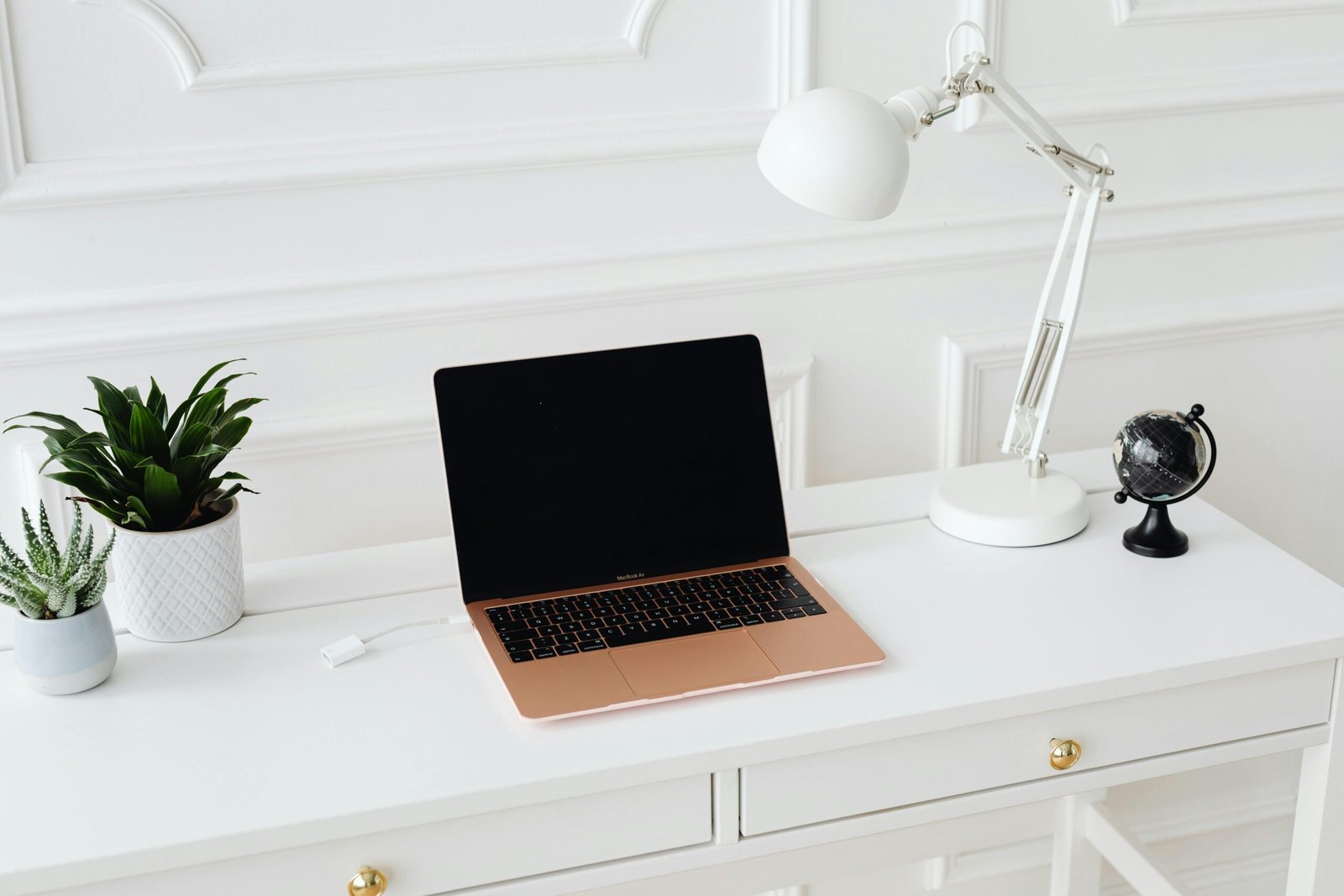
If you want to improve your focus this week, start here:
- Raise your screen to eye level.
- Improve your lighting setup.
- Clear your immediate reach zone.
- Add one consistent focus ritual cue.
- Introduce one comfort upgrade.
Small changes, done consistently, create the biggest impact.
The Bigger Picture: Your Desk Is a Support System. Your workspace isn’t just about aesthetics or productivity hacks. It’s about how you support yourself during your daily responsibilities. It’s where you show up to think, solve problems, create, and manage life’s endless moving pieces.
When your desk works for you, focus feels easier.
Not forced.
Not exhausting.
Just natural.
A Gentle Reminder
You don’t need a perfect setup to be productive. You don’t need expensive gear.
You just need a space that feels:
- Calm enough to think
- Comfortable enough to stay
- Simple enough to start
And that’s always within reach.
Frequently Asked Questions
What are the most important desk setup essentials for focus?
The most important elements are an ergonomic chair, proper screen height, good lighting, and minimal visual clutter. These directly affect both physical comfort and mental concentration.
How can I improve focus without buying expensive equipment?
Start by adjusting your posture, decluttering your desk, improving lighting, and creating a consistent work ritual cue. Small changes often create the biggest impact.
What is the best lighting for a focus-friendly desk setup?
Warm or neutral LED lighting with adjustable brightness is ideal. Avoid harsh blue-toned lights that strain your eyes.
How can I make a small home office desk setup more effective?
Use vertical storage, define clear zones, keep only essentials within reach, and prioritize ergonomic positioning.
Ready to Create a Focus-Friendly Life?

Before you close this tab and jump back into your day, take a moment to look at your workspace with fresh eyes.
Not with judgment. Not with “I should have it all figured out by now” energy. Just with curiosity.
Ask yourself:
What’s one thing here that makes my day easier?
And what’s one thing that quietly makes it harder?
Building better desk setup essentials for focus isn’t about doing a full makeover overnight. It’s about noticing the small friction points — the chair that leaves you sore, the clutter that steals your attention, the lighting that drains your energy — and gently removing them one at a time.
You deserve a workspace that feels supportive, not stressful.
Comfortable, not chaotic.
Calming, not overwhelming.
And the beautiful part is this: even one small change can shift how your entire workday feels.
So if this resonated with you, try just one simple step today.
Clear one corner. Adjust your screen height. Add a soft light. Move one distracting item out of sight.
And if you’d like, save this for later so you can come back when you’re ready to refresh your space — or share in the comments which tiny desk tweak you’re starting with first.

